Another Planet另颗星

From a memory to a place you can visit.

A pet memorial product initiated by a UX Designer. Product boundaries, branding, interaction prototypes, layered scenes, and local native iOS development all follow one question: how can we help people keep memories while respecting goodbye?

赵聆羽Role · Founder / UX DesignerPlatform · iOS / AndroidStage · iOS review / Android local testing
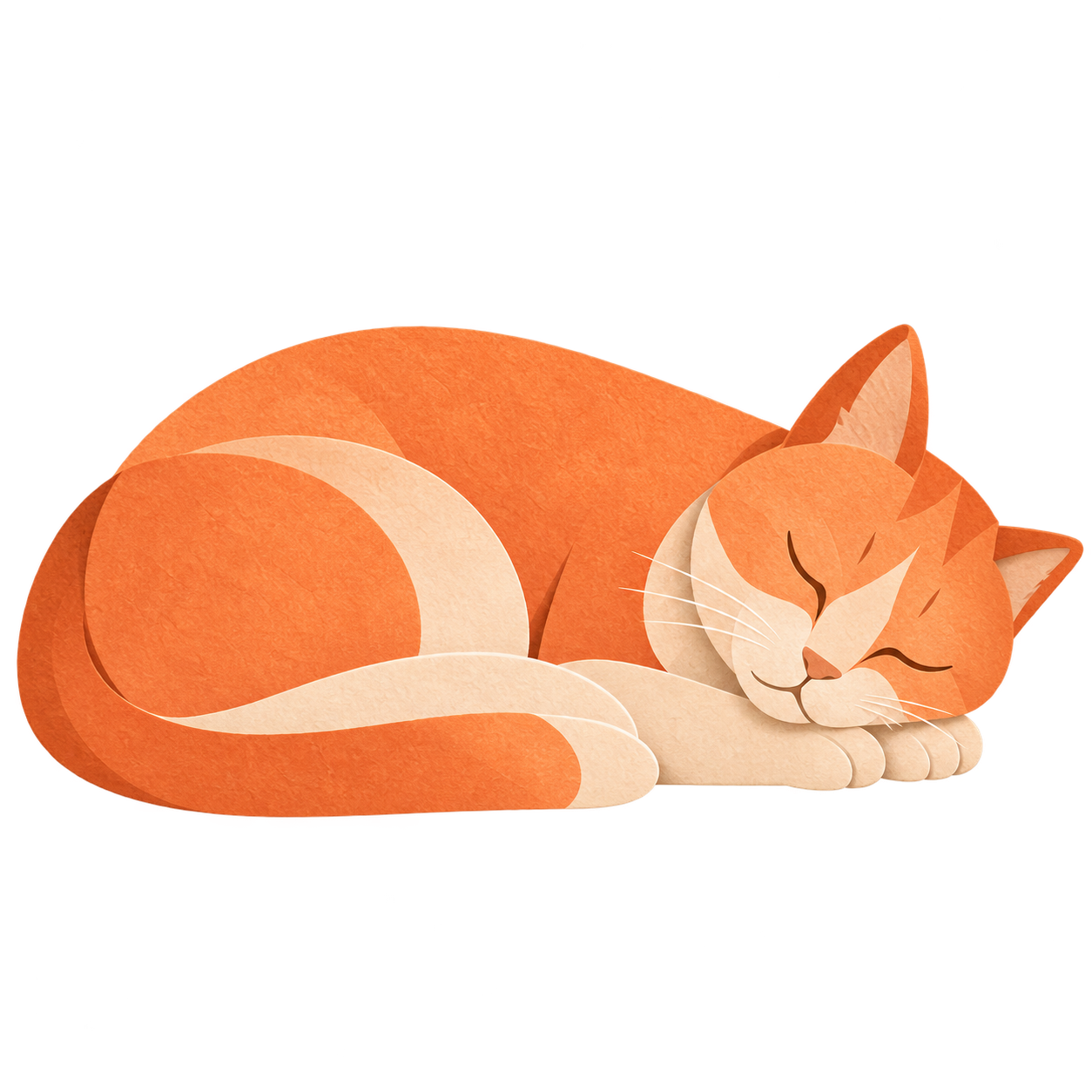
Orange cat in the current Another Planet paper courtyard

Three design decisions that matter

01

The boundary of remembrance

No fictional replies, hunger, or death states. Do not use guilt to drive visits.

Evaluate whether people feel supported and can find and preserve memories. Fewer visits might mean recovery—or a poor experience. Ask users what it means to them.

02

Objects that invite interaction

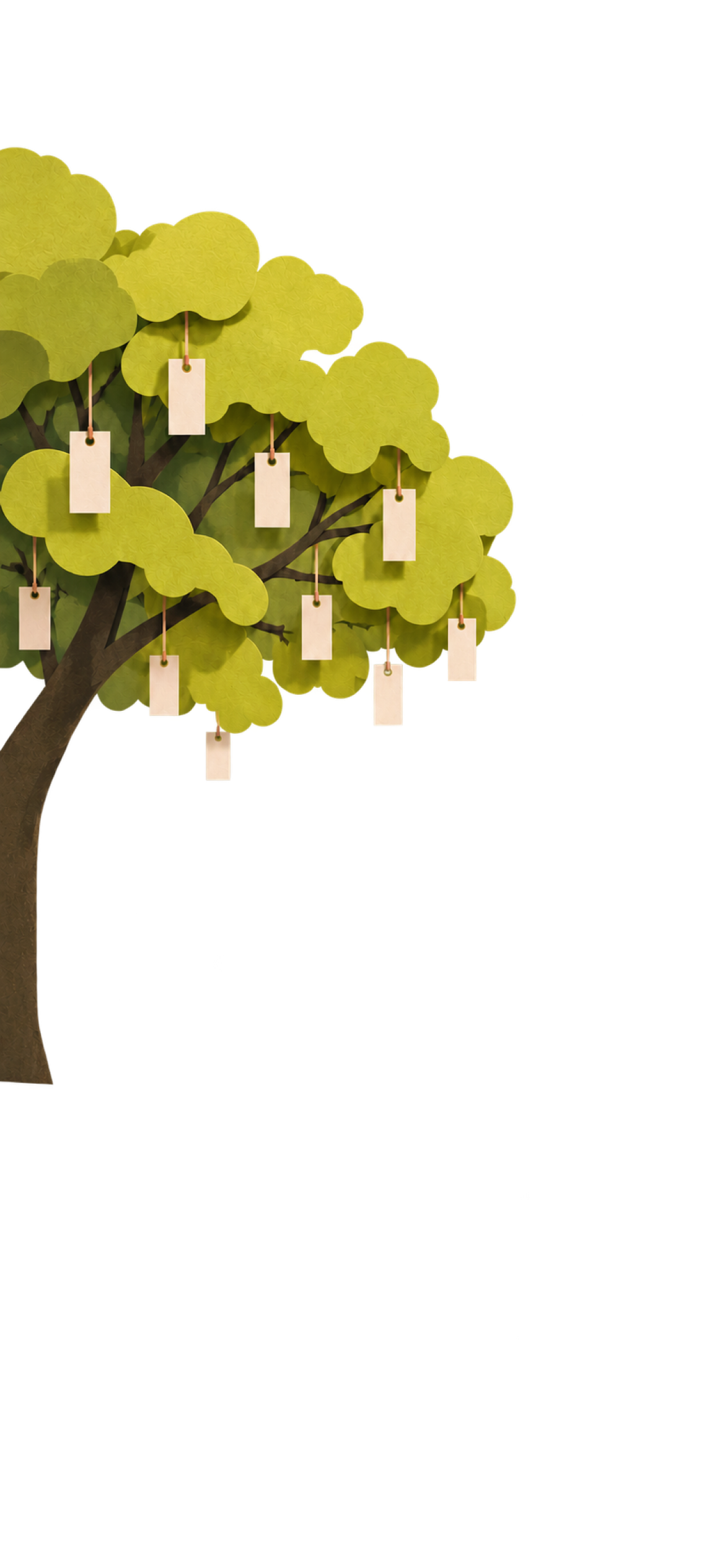
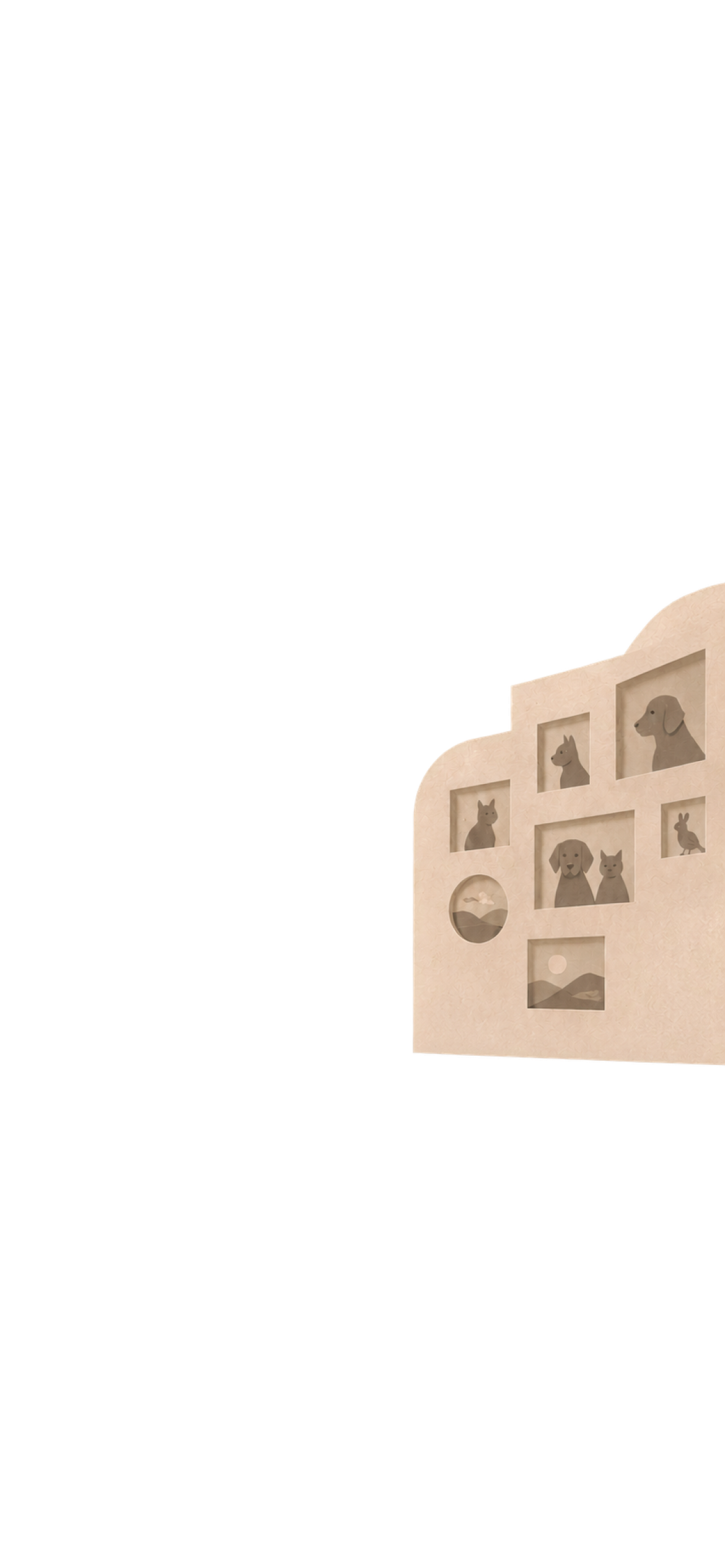
The photo wall and memory tree belong in the environment, with entrances that match its visual style.

Themes can arrange objects differently. Reuse touch targets and navigation components, rather than constrain every scene to the same coordinates or add numbered markers.

03

From a prototype to saved memories

Reusable components, semantic colors, PingFang SC typography, and one page for reading and editing notes.

Use SwiftUI, the system media picker, and local records. Resolve random appearance once; keep photo references and isolate drafts by pet and note.

One scene, five independently editable layers.

The pet and ground shadow are separate from the background, and UI is separate from artwork. Motion and future themes have clear integration boundaries.

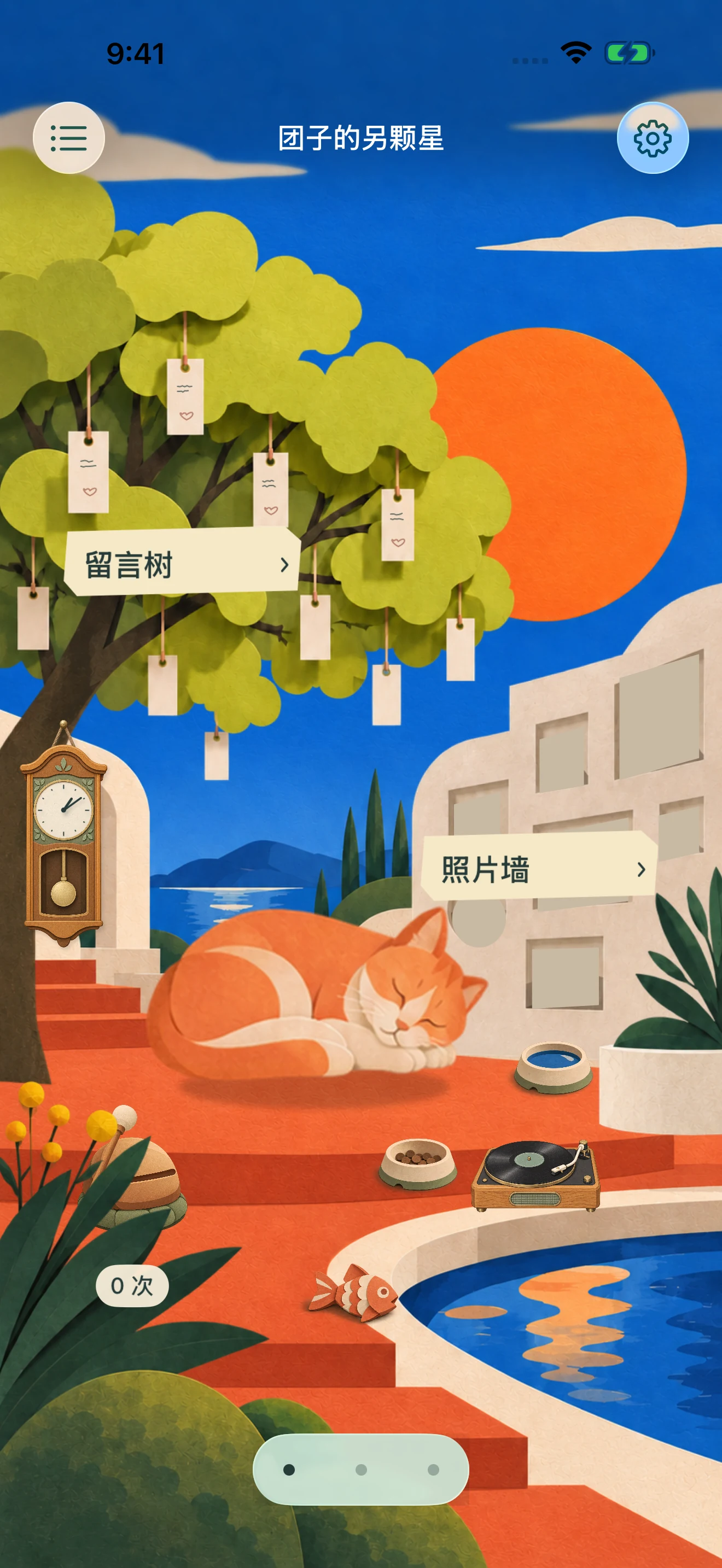
Landscape

Landscape

The approved theme background.

Scene objects

Scene objects

Independent tree and photo wall.

Pet and shadow

Pet and shadow

Aligned at a ground anchor.

Foreground

Foreground

An independent depth layer.

UI and navigation

UI and navigation

Native controls and shared components.

Continue through the product process.

View the Figma prototypeProduct and business directionVision

From remembering a pet to keeping a memory.

Two historical Figma walkthroughs retained as design-process records. The current app has since evolved, including breed choices.

01

Create a familiar little presence

A name, a species, a coat, and a pair of eyes. Follow the survey to a memorial appearance.

Create a familiar little presence

Profile → Coat → Eyes → Review → Preview

0:00

Play at your own pace

Download GIFOpen in Figma
02

Keep photos and your own words

Open the photo wall, revisit an everyday moment, then read a note on the memory tree.

Keep photos and your own words

Space → Photos → Memory tree → Read a note

0:00

Play at your own pace

Download GIFOpen in Figma

Historical design walkthroughs, not device recordings or current store previews.

Stay for a moment. Leave when you are ready.

There is no right frequency for remembering, and no progress to complete. We hope each visit helps you feel a little more at ease.

Stay in touch

Use the email below for testing, collaboration, or portfolio enquiries.

blinkisle@qq.com